How to Use the Home Page
The provider Home page is the first page you see on the New Hampshire MMIS Health Enterprise Portal. From the provider Home page you can find information that is important to you.
The provider Home page contains six areas:
-
Global Links. - Located at the rightmost corner of all pages.
 See image
 -
Menu Bar - Located below the New Hampshire MMIS Health Enterprise Portal logo and name and the global links.
See image -
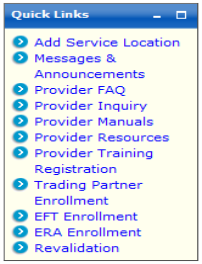
Quick Links - Located on the left side of the page next to the Provider Message Center pod.
See image -
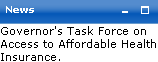
News - Located on the left side of the page under the Quick Links pod.
See imageTip: Maintenance and outage messages, if applicable, are also displayed in this pod.
-
Provider Message Center- Located on the right side of the page.
See image -
Footer Links - Located at the bottom of every page.
See image




 See Also